Introducing the Matching Assessment Block that transforms traditional matching exercises into engaging, interactive experiences where students draw connections between related concepts using intuitive drag-and-drop line drawing.
Key Features
- Visual Line Drawing: Students connect items by drawing curved lines between columns using drag-and-drop interactions
- Mixed Content Support: Seamlessly combine text and images within the same matching exercise
- Smart Pairing System: Paired items are automatically removed from columns and displayed below with unpair options
- Advanced Editor: Intuitive pair management with visual editing, content type switching, and explanation support
- Custom Image Dimensions: Full control over image sizing with width, height, and full-size display options
- Shuffling Options: Randomize left and right column order to prevent pattern memorization
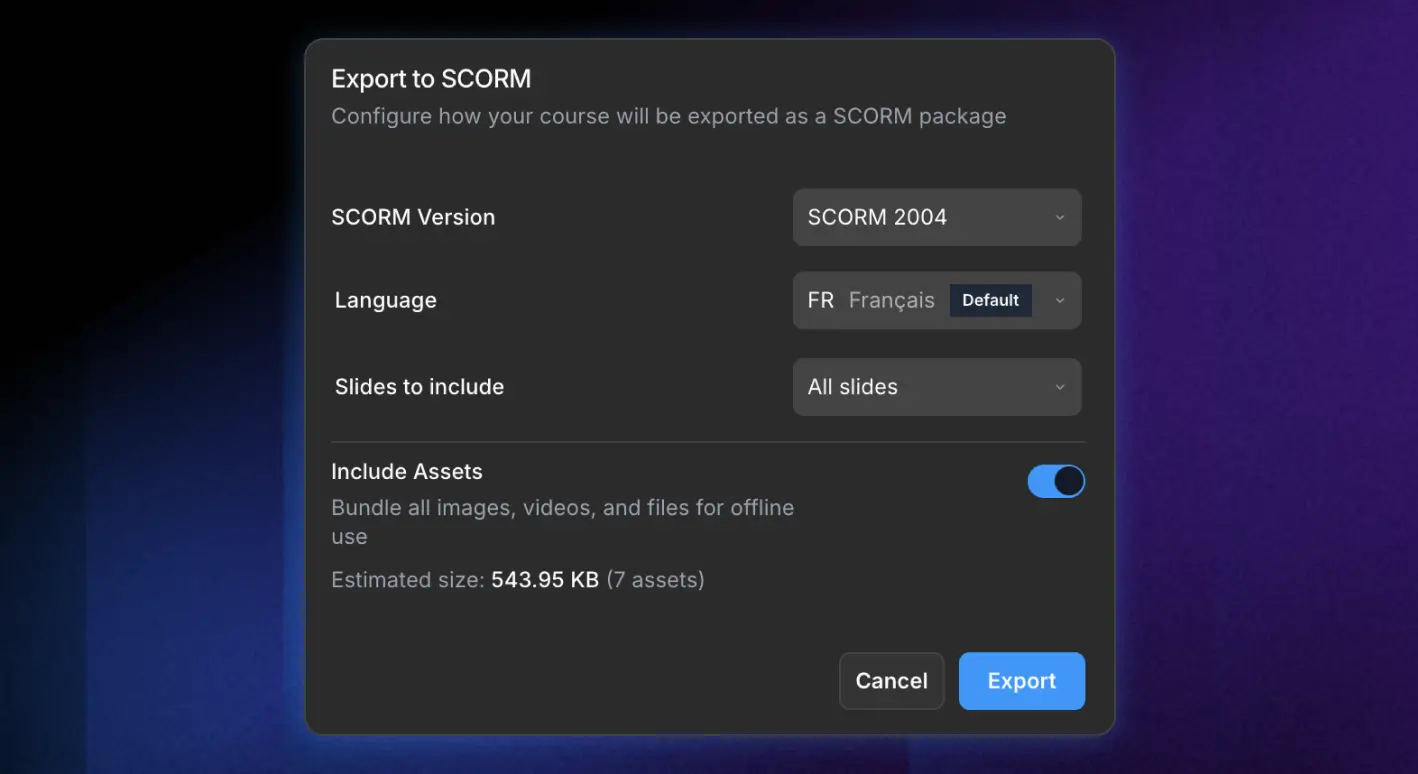
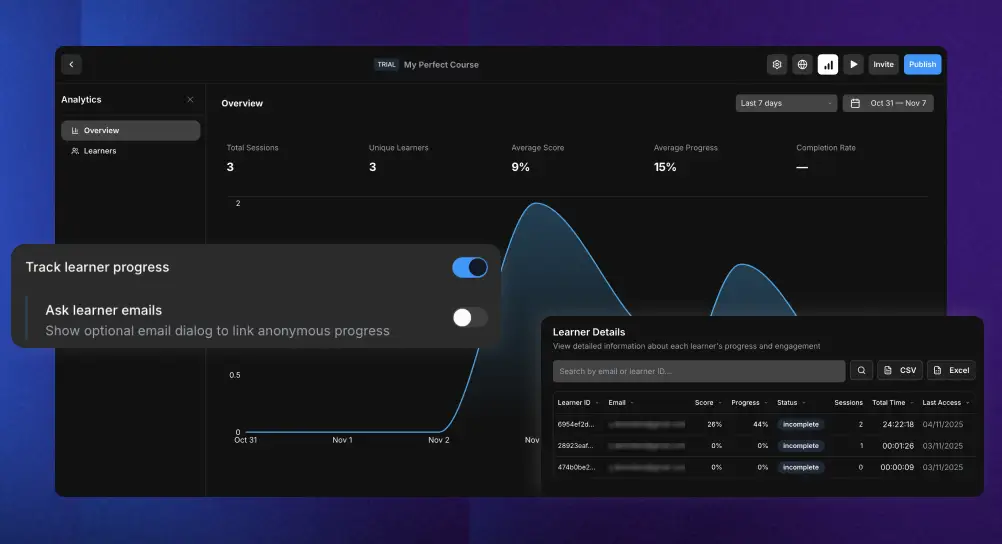
- SCORM Integration: Complete scoring, progress tracking, and suspend data management
- Partial Credit Scoring: Award points for individual correct matches to encourage full participation
Perfect for
Visual Learning: Match images to terminology, diagrams to descriptions, or concepts to examples.
Language Education: Connect vocabulary words with definitions, translations, or visual representations.
Technical Training: Match equipment parts, procedures, or troubleshooting steps.
Medical Education: Connect symptoms with conditions, anatomy with functions, or treatments with diagnoses.
Intuitive Authoring Experience
Course creators can easily switch between text and image content types while preserving both data formats. The streamlined editor features drag-and-drop pair reordering, individual pair explanations, and real-time preview functionality.